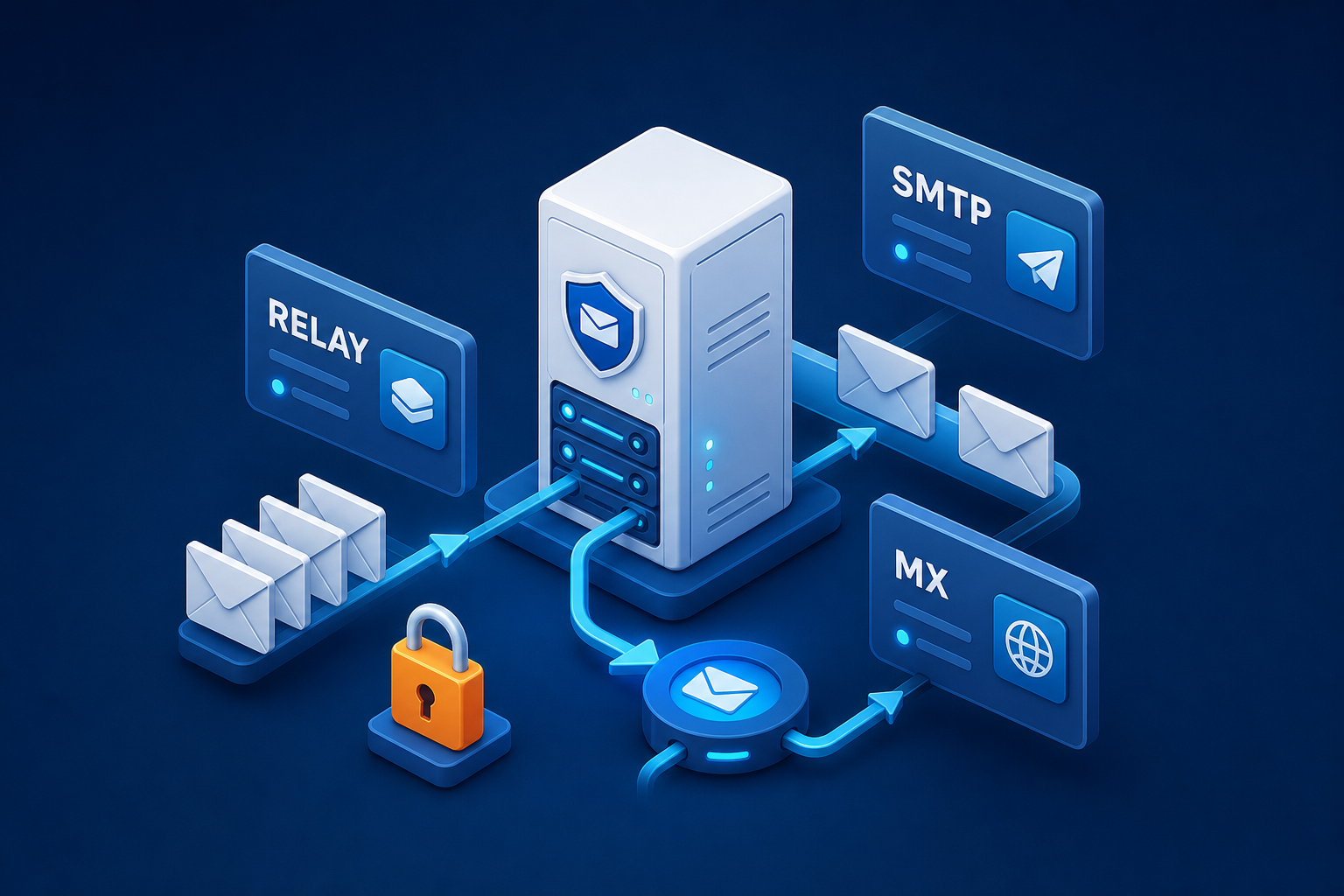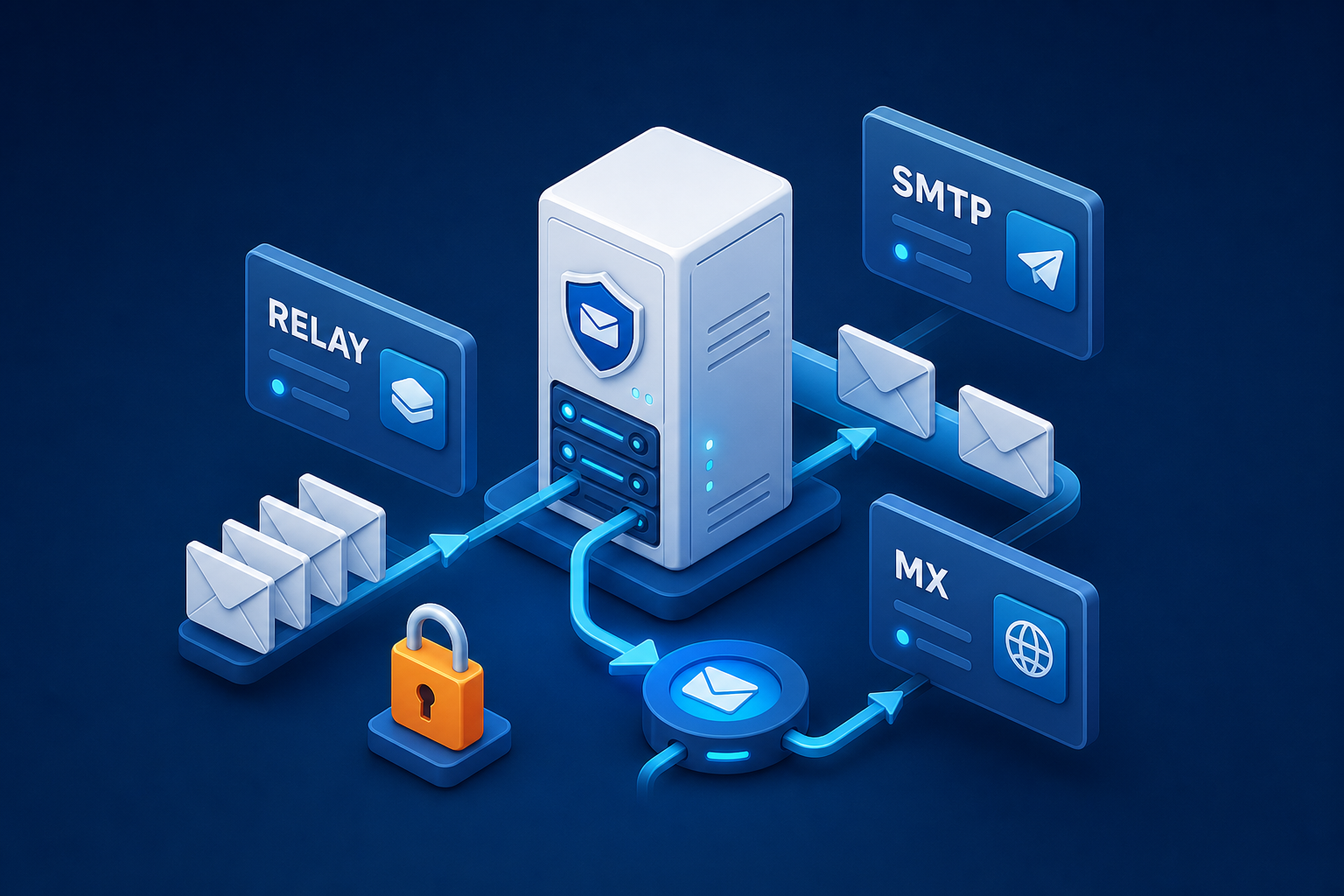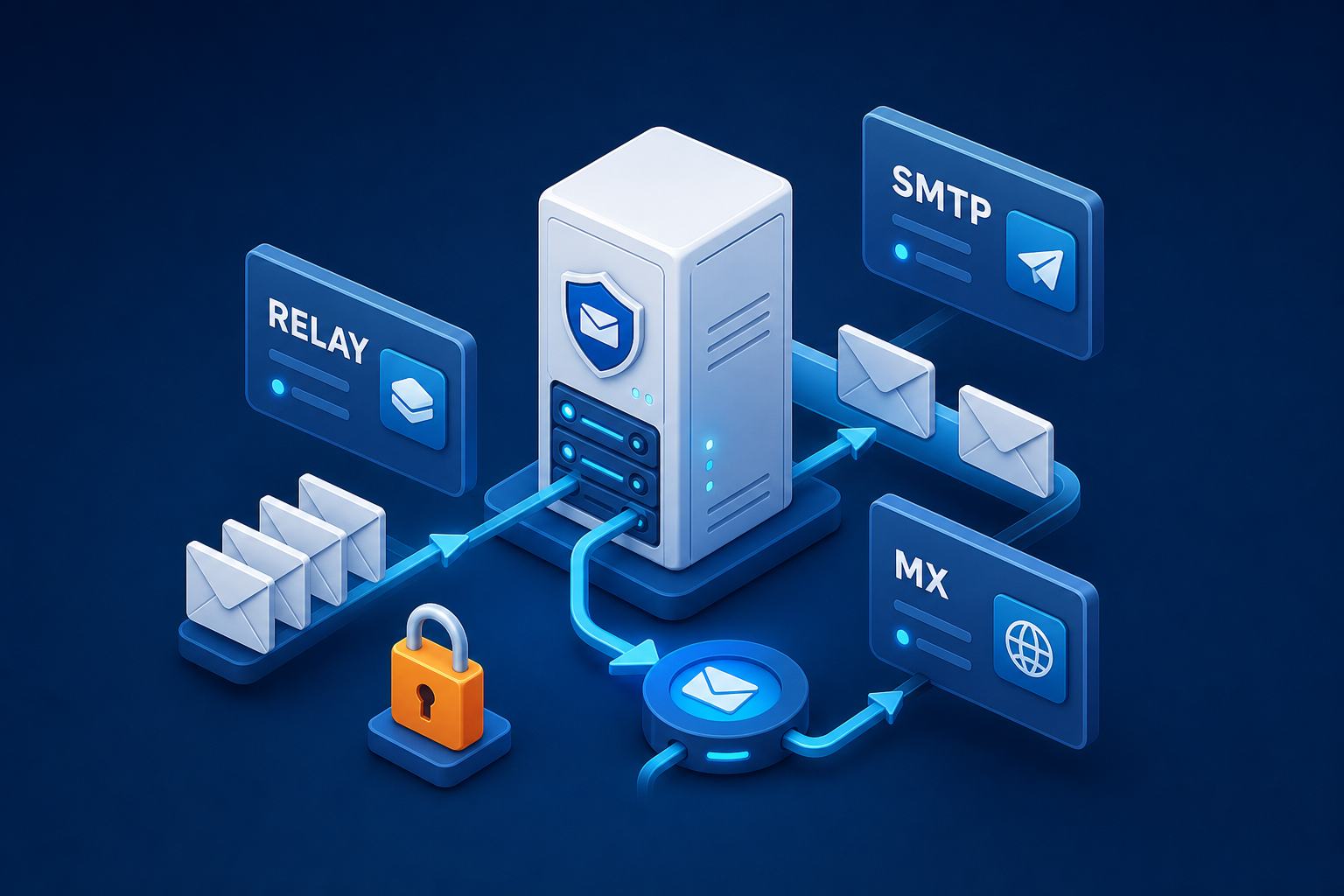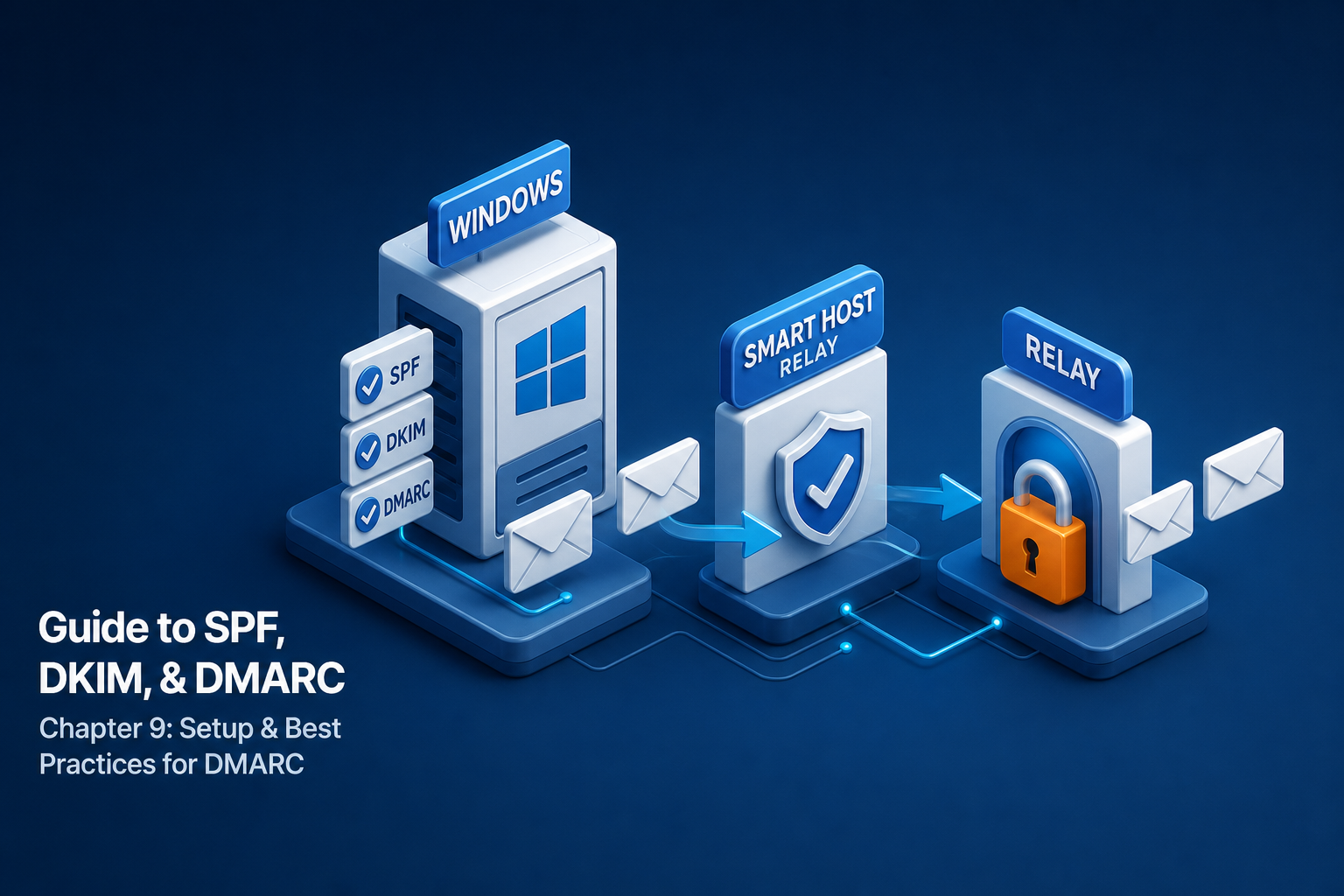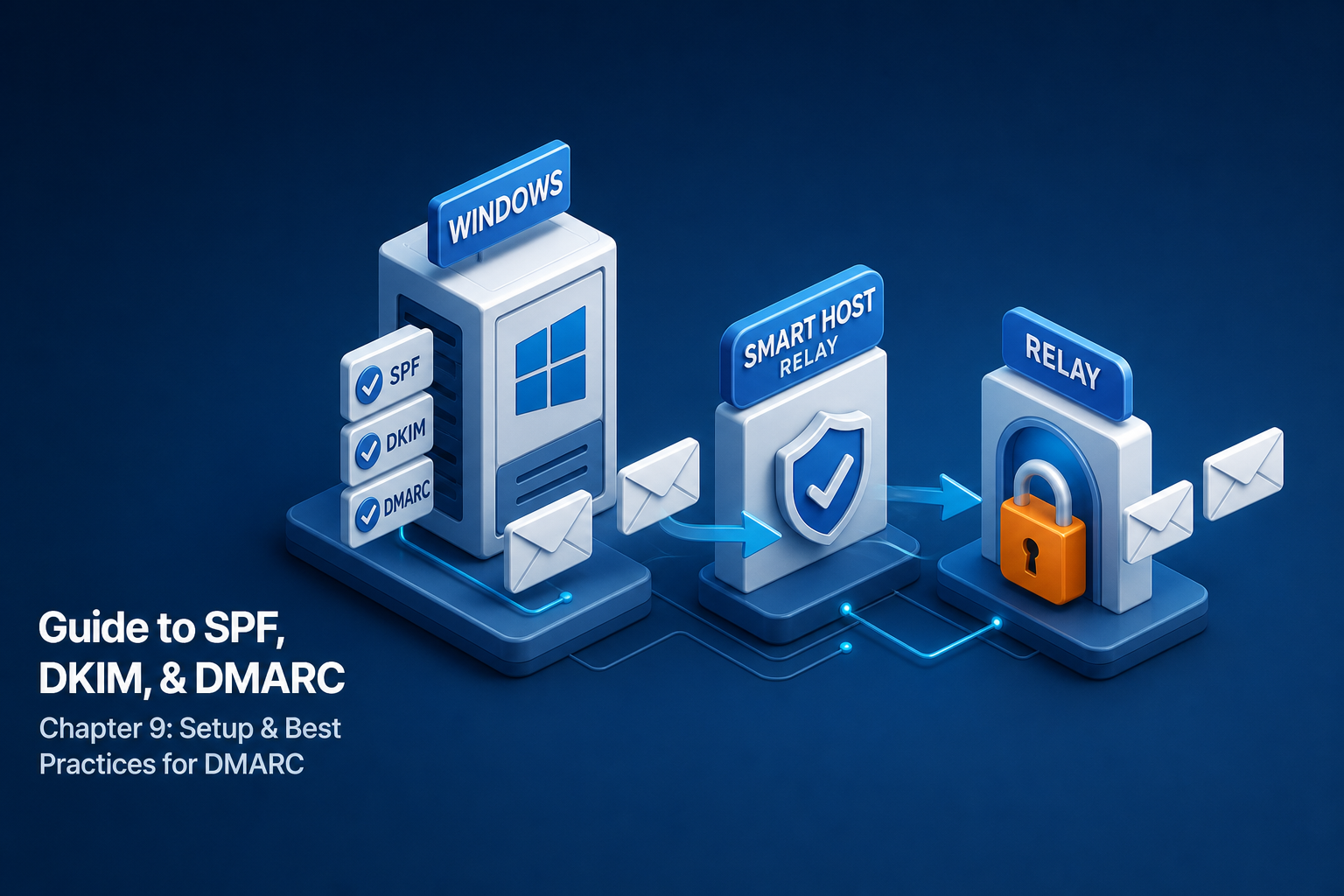
MDaemon Smart Host Pitbull Relay Integration
Pitbull smart host relay configuration on Windows MDaemon mail server: step-by-step setup guide via admin console.
MDaemon is an established commercial mail server for Windows. Its advanced smart host and gateway features enable Pitbull integration in minutes.
Smart Host Configuration
MDaemon Admin Console > Setup > Server Settings > Delivery:
☑ Use Smart Host for all outbound mail
Smart Host: relay.pitbull.com.tr
Port: 587
☑ ESMTP AUTH
Username: tenant@pitbull.com.tr
Password: RELAY_TOKEN
☑ STARTTLS
Gateway Domain
Configure Pitbull as MX gateway for specific domains via the Gateways tab.
Difference with SecurityGateway
If MDaemon SecurityGateway is present, Pitbull can be positioned as a replacement or additional layer in front of it.
Conclusion
MDaemon's strong Windows mail infrastructure gains enterprise-grade security with Pitbull relay.